

Do iPads have Face ID? This question has become increasingly common as users seek streamlined and secure authentication methods for their devices. Face ID, a biometric authentication technology, offers a convenient and advanced way to unlock iPads and protect personal data. In this article, we will explore which iPads have face id , its functionality, benefits, and how users can leverage this feature for enhanced security and user experience.
Key Takeaways
- Face ID is a biometric authentication technology that uses facial recognition to unlock devices.
- Apple first introduced Face ID on the iPhone X in 2017 and has since included it on several iPad models.
- Face ID works by projecting infrared dots onto a user’s face and creating a 3D map of their facial features.
- The benefits of using Face ID on iPads include faster and more secure access to the device, as well as the ability to make purchases with Apple Pay.
- While there are some security and privacy concerns with using Face ID, overall it is a convenient and effective way to authenticate on iPads.
Overview of Face ID Technology
Biometric authentication, which offers safe access to our gadgets and private data, has become a crucial aspect of our everyday lives. Face ID is one of the most innovative biometric authentication techniques available; it has completely changed how we unlock & secure our devices. We will delve into the realm of Face ID in this post, looking at its background, uses, advantages, and possible advancements. Use of secure authentication techniques is essential to safeguarding our devices and data in a time when cybercriminals are gaining more and more access to our personal information.
Conventional passcodes and PINs are less effective at protecting the security of our devices because they are readily cracked or forgotten. An alternative that is both more convenient & safe is biometric authentication techniques like Face ID. The evolution of Face ID technology on Apple devices. Over the years, Apple has consistently enhanced and perfected its Face ID technology.
The History of Face ID on Apple Devices
The history of Face ID on Apple devices Face ID was first introduced by Apple with the launch of the iPhone in 2017. There were doubts and worries regarding the accuracy and dependability of Face ID’s initial implementation on the iPhone X. But after these problems were fixed in later versions, the user experience is now smoother and more effective. Apple has made Face ID one of the most sophisticated facial recognition systems on the market today through its dedication to improving the technology.
How Does Face ID Operates?
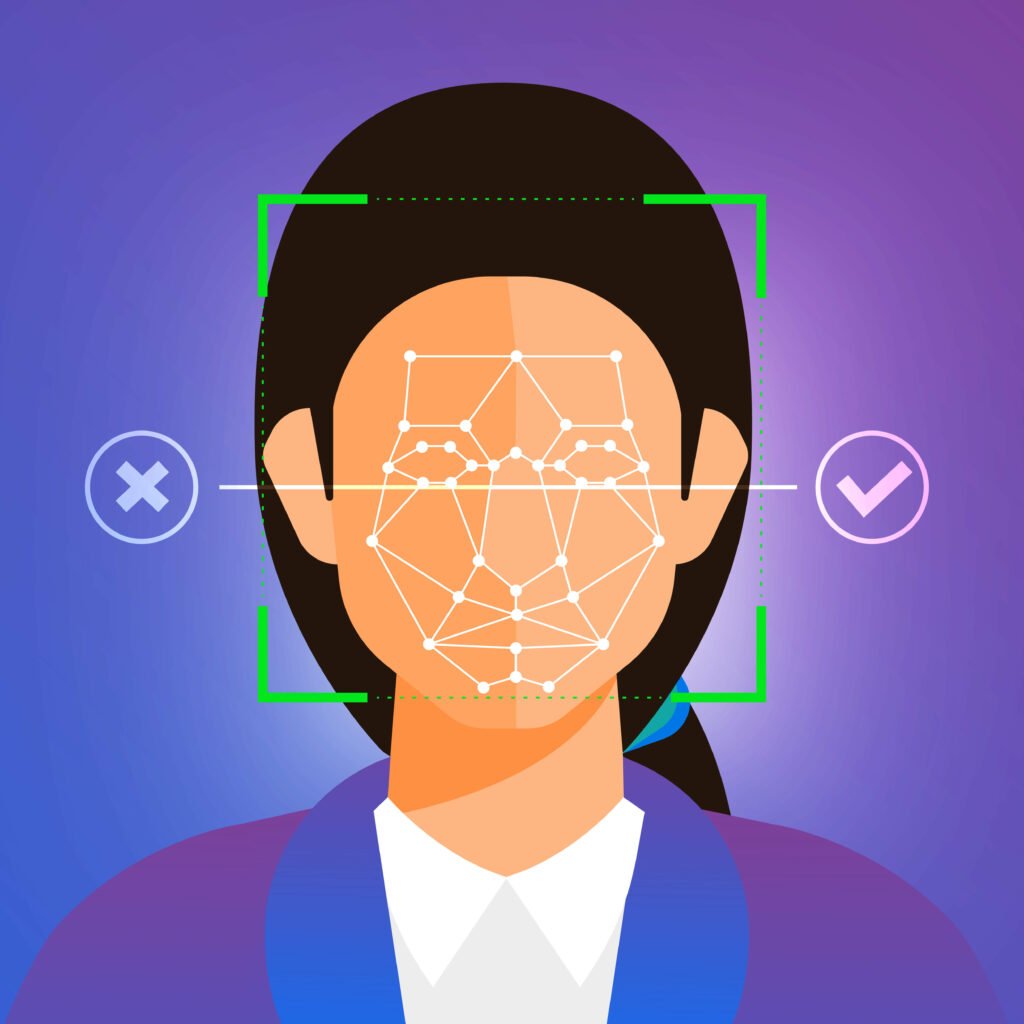
Face ID processes facial recognition by means of a hardware and software combination. Thousands of invisible infrared dots are projected onto the user’s face by the TrueDepth camera system, which is situated at the top of the device. The device’s neural engine then examines the infrared image and the comprehensive depth map that these dots produce. The facial data enrolled in the program and safely stored in the device’s Secure Enclave are compared by the neural engine. The user is granted access to the device once it has found a match.
Advantages of Face ID on iPads
Face ID on iPads has many advantages. The first benefit is that it unlocks devices with unmatched speed and ease. Users do not require passcodes or fingerprints to access their iPads; they can do so with a quick glance. The frustration of forgetting passcodes is eliminated by this streamlined authentication process, which also saves time.
In addition, Face ID improves security over conventional passcodes. An extra line of defense against unwanted access to personal data is offered by facial recognition technology, which is extremely safe & challenging to trick. Also, iPads with Face ID provide accessibility features that let disabled users unlock their devices easily and on their own.
Which iPad Models Support Face ID?
Following iPad models support face id :
How to Enable and Face ID on iPads
Setting up Face ID on iPads is a simple procedure:
- On your iPad, open the Settings app.
- Click or tap “Passcode and Face ID.”
- To view the Face ID settings, enter your passcode.
- Click “Set Up Face ID.”
- The setup procedure can be finished by placing your face inside the screen’s frame and following the on-screen directions.
- After Face ID is configured, you can use it for a number of purposes, including accessing secure apps, making purchases, and unlocking your iPad. Make sure your face is well-lit both during setup and during use in order to maximise Face ID performance. Keep your face in the frame to ensure proper recognition and stay out of the way of the True Depth camera system.
Also Read: Why Is My iPad Touch Screen Not Working
Solving Common Face ID Problems on iPads
Although Face ID is generally dependable, users may run into problems. The following are some typical issues and possible fixes:
- If your face is not appearing in the frame, make sure nothing is obstructing the True Depth camera system and check that Face ID is functioning properly. Reset Face ID & try setting it up again if the problem continues.
- Face ID recognition failure: Try moving your face or changing the lighting if Face ID isn’t consistently recognising it. To increase the accuracy of facial recognition, you can also try removing and re-entering your data.
- Face ID not available: Face ID may not be supported by all apps or features.
In these circumstances, you might have to use a different kind of authentication, like Touch ID or a passcode. It is recommended that you get in touch with Apple support if you continue to experience problems with Face ID on your iPad.
Comparing Face ID With Other Biometric Authentication Techniques
There are several biometric authentication techniques on the market at the moment, Face ID being just one of them. It is important to contrast it with other widely used techniques like voice recognition and fingerprint recognition (Touch ID). Compared to Touch ID, Face ID has a number of benefits. First off, it makes the device more hygienic by doing away with the necessity for physical contact—especially in light of the ongoing COVID-19 pandemic.
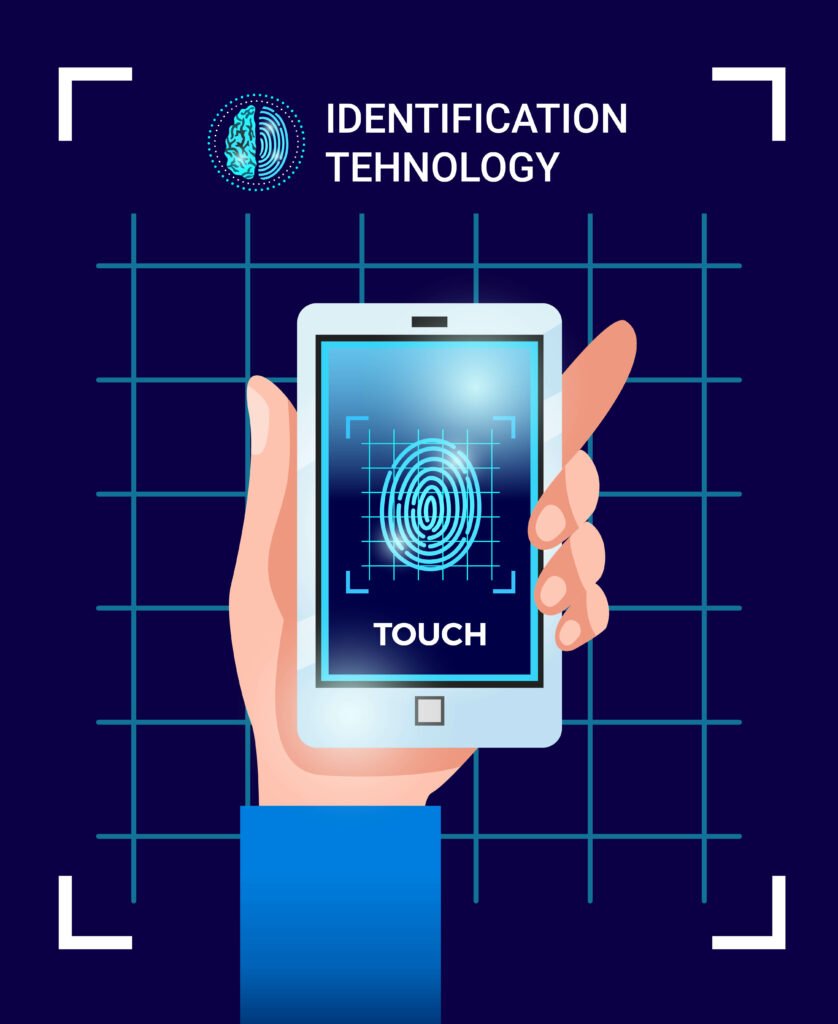
Also, users can unlock their devices with Face ID just by looking at them, making for a more seamless and intuitive user experience. But for those who find Touch ID more convenient or are wary of facial recognition technology, it’s possible that they still prefer it. However, voice recognition uses an individual’s distinctive voice characteristics to verify their identity. Voice recognition is less secure than fingerprint or face recognition, despite its occasional convenience. It is less certain that voice recordings will secure a device because they are easily copied or faked.
The Implications of Face ID Use for Security & Privacy on iPads
Apple has put in place a number of security measures to safeguard user information & privacy when utilising Face ID. A specialised hardware component called the Secure Enclave on the TrueDepth camera system protects the confidentiality and integrity of sensitive data by securely storing facial data that is collected by the system. Apple and other third-party apps cannot access this data.
Moreover, Face ID doesn’t store or send facial data to Apple servers or the cloud. The device performs all face recognition operations locally, reducing the possibility of data breaches or unwanted access. Facial recognition technology continues to raise concerns and possible hazards. False positives and false negatives are possible outcomes of facial recognition system biases and errors, according to critics. The possibility that hostile actors or governmental spying organisations would abuse facial data is another issue. Apple is constantly upgrading its technologies & policies to address these concerns, maintaining its commitment to user privacy and security.
Check out: Do iPads Have Wireless Charging?
Users should continue to be on the lookout for new advancements in facial recognition technology and exercise caution. The Face ID feature on iPads is anticipated to experience additional advancements and enhancements in the future, just like any other technological advancement. Apple has a history of improving its biometric authentication techniques, and Face ID is no different.
Upcoming Face ID features that are rumored to include increased speed and accuracy, better low-light performance, and multi-angle face recognition are all mentioned in rumors. Also, Apple might look into incorporating Face ID into other products, like MacBooks or external accessories. Assuring a more inclusive and dependable authentication system for all users may entail addressing worries about biases and inaccuracies in Face ID technology.
Is it worthwhile to use Face ID on iPads?
In summary, Face ID provides iPad users with a safe and practical way to authenticate themselves. It is an appealing option for people looking for a trustworthy biometric authentication method because of its seamless user experience, improved security, & accessibility features. Although worries about facial recognition technology are still present, Apple’s dedication to user security and privacy gives comfort. With its constant development and enhancement, Face ID is expected to become an increasingly indispensable aspect of our everyday existence, safeguarding our gadgets and confidential data.
FAQs
Do iPads have Face ID?
Yes, some iPads have Face ID.
Which iPads have Face ID?
The iPad Pro models released in 2018 and later have Face ID.
What is Face ID?
Face ID is a facial recognition technology that allows users to unlock their device and authenticate purchases and other actions using their face.
How does Face ID work?
Face ID uses a TrueDepth camera system that projects and analyses over 30,000 invisible dots to create a precise depth map of a user’s face. This information is used to authenticate the user’s identity.
Is Face ID secure?
Yes, Face ID is secure. It uses advanced technologies to ensure that only the user’s face can unlock the device and authenticate actions.
Can multiple users use Face ID on the same iPad?
No, Face ID is designed to recognise only one user’s face at a time.
Can Face ID be disabled?
Yes, Face ID can be disabled in the device’s settings.
PK|05122080|1:30|CON