


How to Disable ad blocker on your iPad? Ad blockers are applications that prohibit ads from showing when browsing the internet. They operate by preventing scripts and code that display advertisements on websites. Ad blockers can help improve webpage loading times and eliminate distractions. However, disabling them may be required in order to support websites and access ad-supported content. We’ll walk you through the process of disabling ad blockers on your iPad.
Disabling ad blockers on your iPad is necessary for a variety of reasons. It enables you to help websites and content creators that rely on revenue from advertisements. Additionally, disabling ad blockers ensures that you may access ad-supported content and services. In this article, we’ll explain how ad blockers operate, why you should disable them, and how to disable them on your iPad. Follow along to get the most out of your browsing experience.
Section | Description |
Introduction | Overview of the importance of disabling ad blockers |
Understanding Ad Blockers on iPad | Explanation of what ad blockers are and how they work |
Impact of Ad Blockers on Browsing | Discusses how ad blockers affect browsing experience |
Reasons to Disable Ad Blocker | Lists reasons why someone might want to disable ad blockers |
Step-by-Step Guide to Disable Ad Blocker on iPad | Provides instructions on disabling ad blockers on iPad |
Alternative Methods | Suggests alternative ways to support websites without completely disabling ad blockers |
Benefits of Disabling Ad Blocker | Outlines the benefits of disabling ad blockers |
Frequently Asked Questions | Addresses common questions about ad blockers and disabling them |
Conclusion | Summarises the importance of disabling ad blockers and encourages informed decision-making |
Understanding Ad Blockers on iPad
What Are Ad Blockers?
Ad blockers are software that restrict advertisements from appearing while you browse the web. They work by preventing advertising from loading on websites, which results in faster page load times and fewer distractions. Ad blockers are usually browser extensions or apps that can be installed on your device. They’re beneficial to individuals who seek a more smooth browsing experience without ad interruptions, but they can also have an impact on businesses that rely on advertising revenue.
How Do Ad Blockers Work on iPads?
Ad blockers for iPads are identical to those on other devices. They prevent advertising from appearing on web pages by intercepting and filtering ad content requests. When you visit a website, the ad blocker detects and blocks scripts and code that would display advertisements, providing a cleaner surfing experience. Ad blockers can be installed as apps or extensions in the iPad’s web browser, allowing users to tailor their ad-blocking settings.
Impact of Ad Blockers on Browsing Experience
Ad filters may impact your browsing experience in a variety of ways. They can speed up web page loading by preventing annoying ads that slow down loading times. However, some websites rely on ad money to provide free material, thus banning ads may impair their capacity to function. Additionally, ad blockers may occasionally block non-ad material, resulting in a less pleasurable surfing experience. Overall, the influence of ad blockers on your browsing experience varies according to the website and the blocker’s settings. For experienced advice and support in disabling ad blockers on your iPad, contact Phone Repair Brisbane
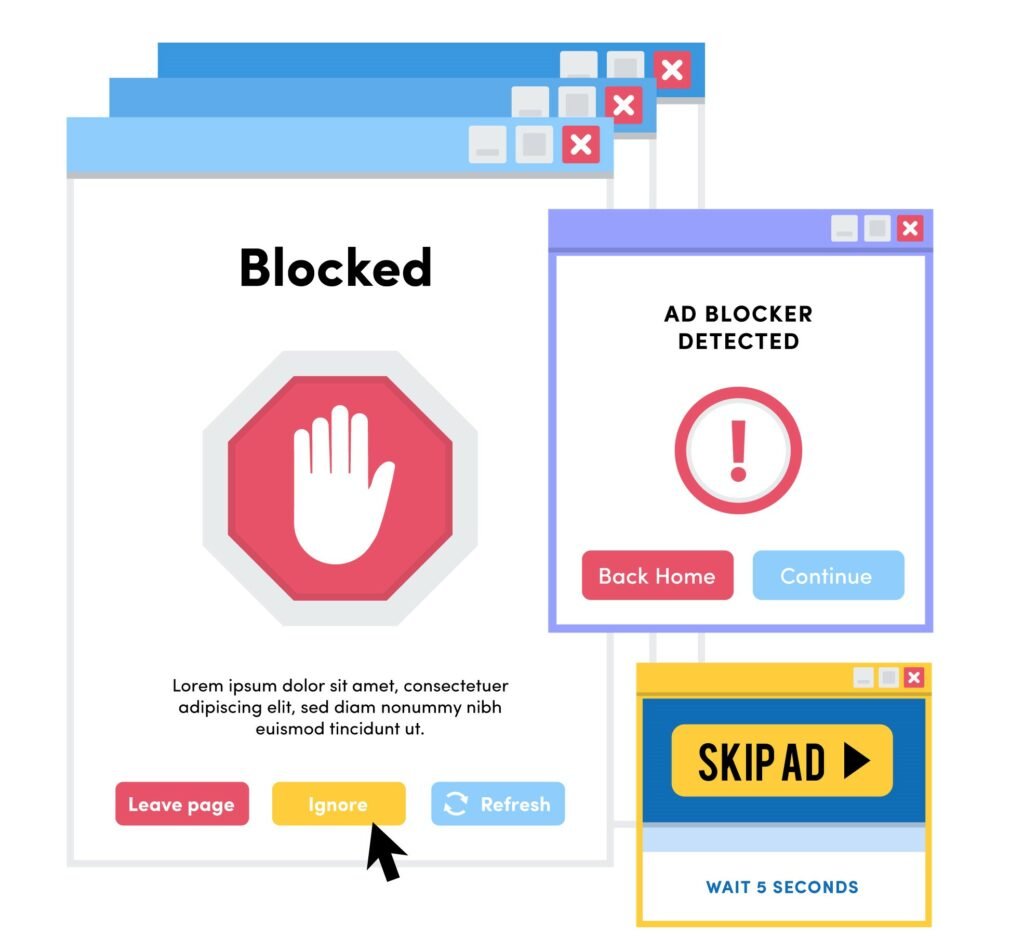
Reasons to Disable Ad Blocker
lets find out the reasons to disable ad blocker
Accessing ad-supported content.
Accessing ad-supported content involves visiting websites or services that rely on advertising for revenue. These advertisements assist to keep content free for users. When you visit ad-supported websites or apps, you may see banners, films, or sponsored links next to the content. By watching or interacting with these advertisements, you indirectly support the producers or providers of the material, allowing them to continue providing it without charging customers.
Supporting websites and content creators
Supporting websites and content providers means helping them to continue their job through financial aid or good feedback. When you browse websites or view videos online, you may help the individuals who generate the material by clicking on advertising, making donations, or subscribing to premium services. Your contribution enables them to continue creating material and maintaining their websites, ensuring that you and others can enjoy their work in the future.
Improving website functionality and navigation
Improving website functionality and navigation involves making them easier to use and more efficient. This contains features such as speedier loading times, a better layout, and simpler navigation options. When websites work properly and are easy to navigate, visitors may quickly locate the information they need and have a more enjoyable browsing experience. This can lead to higher user satisfaction and engagement, which benefits both website owners and users.
Also read: Why Is My iPhone Camera Not Working
Step-by-Step Guide to Disable Ad Blocker on iPad
Accessing iPad settings
- Unlock your iPad and navigate to the home screen.
- Locate and tap on the “Settings” app, typically represented by a gear icon.
Navigate to Safari Settings
Scroll down the Settings menu and select “Safari” from the list of available options.
Managing Content Blockers
Locate and press “Content Blockers” in the Safari settings.
Disable particular ad blockers
You’ll see a list of installed content blocks. Toggle off the switch next to the ad blocker you wish to disable.
Testing modifications to websites
Close the Settings app and launch Safari to visit a page where you had previously seen ad blocking.
Check to see if the advertisements are now shown.
If so, your iPad’s ad blocker has been successfully disabled.
Alternative Methods
Alternative browsers with different ad blocking settings.
You can utilise various web browsers on your iPad that have different ad blocking features. For instance, Firefox Focus and Brave are two alternatives. They come with their own ad blockers, which you may customise to meet your needs. So, if you want greater control over how advertising is prevented, you might appreciate these browsers. Remember that you’ll need to tweak the parameters to get them exactly how you want them.
Another way to support websites without completely disabling ad blockers.
You can aid websites without turning off ad blockers entirely. For example, some websites provide memberships or subscriptions in exchange for more material. If you admire their work, you may make a direct donation to them. Another option is to share their content on social media or refer them to friends. These changes can help websites without the need to cease using ad blockers completely.
Benefits of Disabling Ad Blocker
Disabling ad blockers offers various benefits, including supporting content creators and improving website functionality and revenue.
- Allows content providers to make cash via ads.
- Improves website functionality and performance by showing the desired material and features.
- This ensures that websites can continue to offer free access to their information.
- Helps to maintain a balance between user experience and website sustainability.
- Encourages producers to receive appropriate recompense for the time and work they put into developing material.
Frequently Asked questions
Where is the ad blocker on my iPad?
To locate the ad blocker on your iPad, follow these instructions:
- Open the “Settings” application.
- Scroll down and tap “Safari.”
- Look in Safari’s settings for “Content Blockers.”
- Tap “Content Blockers’ ‘ to view a list of installed ad block.
- To turn off an ad blocker, toggle the switch next to it.
Why would someone want to disable ad blocker on their iPad?
Some users may disable ad blockers on their iPad to support their favorite websites. Ads generate revenue for websites, allowing them to deliver free content. By disabling ad blockers, people can help support their favorite websites and ensure that they continue to provide content. Furthermore, some websites may require advertisements to work effectively, thus removing the ad blocker provides a better browsing experience.
Can I turn off ad blockers for specific websites or apps?
Yes, you may disable ad blockers for certain websites and apps. Most ad blockers allow you to set exceptions or whitelist specific websites. This means that advertising will be allowed to appear on certain specific sites while being blocked on others. It allows you to support your favorite websites while still having an ad-free experience on others. Check your ad blocker’s settings for possibilities to whitelist particular websites.
Conclusion
Disable ad blockers on your iPad to support websites, access ad-supported content, and improve your surfing experience. Understanding the impact of ad blockers and following the step-by-step guidance provided will allow you to make informed decisions about how to support content producers while also enjoying an ad-free experience when appropriate. Remember to look at alternative means of supporting websites without entirely disabling ad blockers. This method creates a more sustainable and rewarding browsing experience for both consumers and content developers. For experienced advice and support in disabling ad blockers on your iPad, contact Phone Repair Brisbane